Donald Trump Orders US Air Force to Shift B-1B Bombers to Heavy Close-Range Strikes on Iran

BREAKING! Trump Orders US Air Force to Shift B-1B Bombers to Heavy Close-Range Strikes on Iran (HAPPENING NOW)
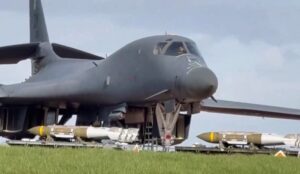
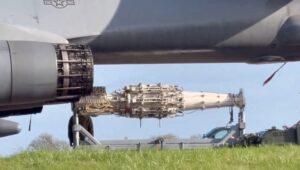
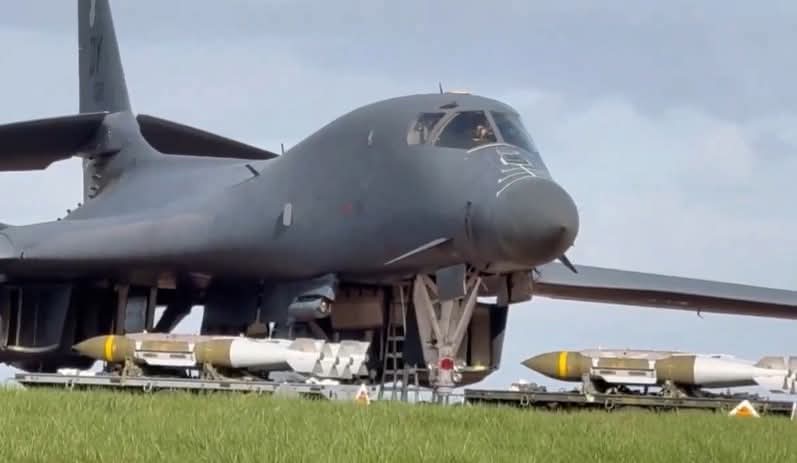
At RAF Fairford today, ground crews removed long-range missile launchers from B-1B Lancer bombers and loaded them with JDAM precision-guided bombs. The aircraft sit parked close to the perimeter fence, deliberately visible to media and onlookers.
This change moves the B-1s from standoff cruise missile attacks to direct, high-volume bomb drops capable of delivering up to two dozen 2,000-pound munitions per sortie. It signals a clear escalation in Operation Epic Fury, the U.S.-led campaign that began February 28 with strikes aimed at dismantling Iran’s missile sites, command centers, and security apparatus.
The deliberate public display underscores American resolve: the focus is now on sustained, intensive bombardment rather than distant precision strikes. Iran faces a sharper, more relentless phase of the air campaign.